
User Guides and Downloads




USB Drivers
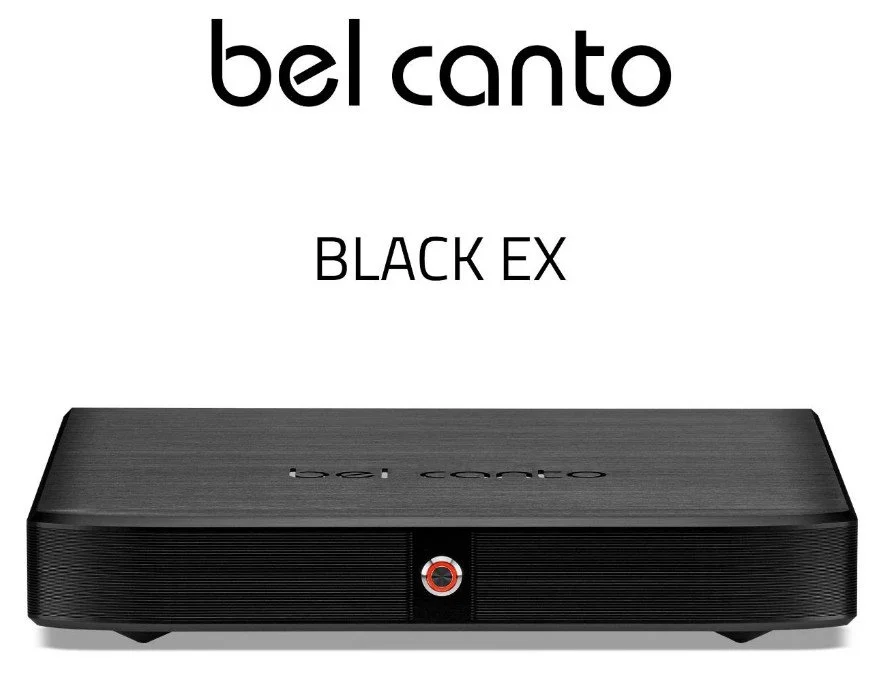
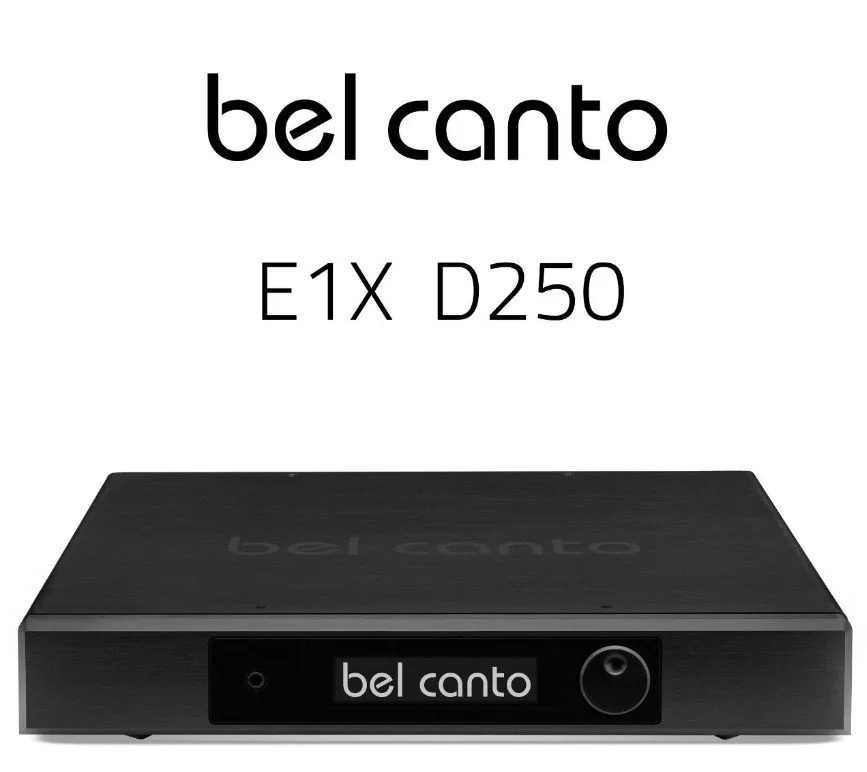
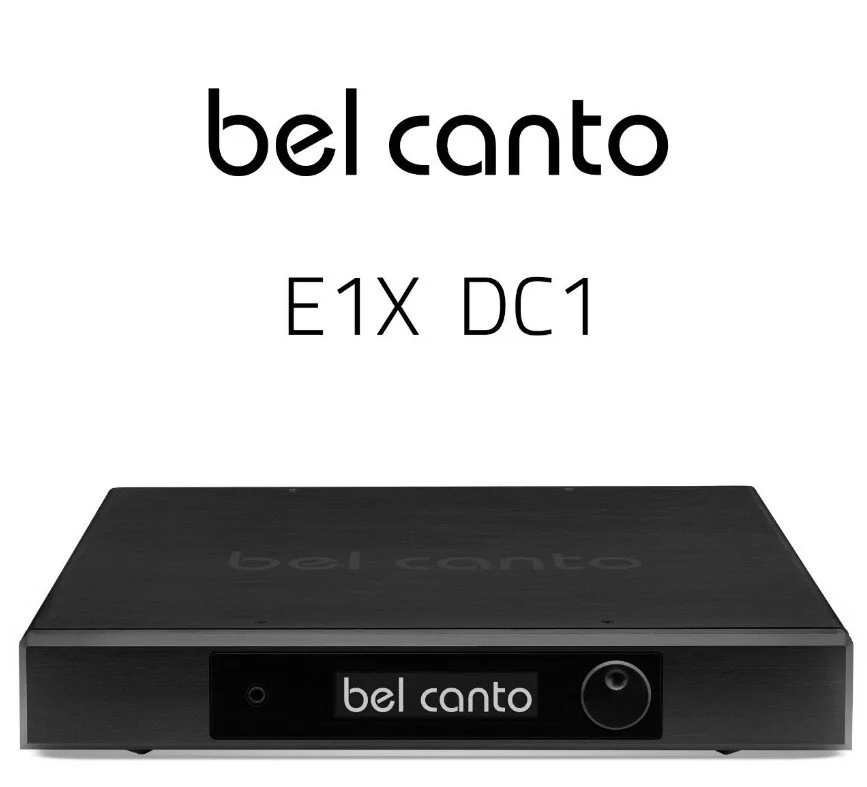
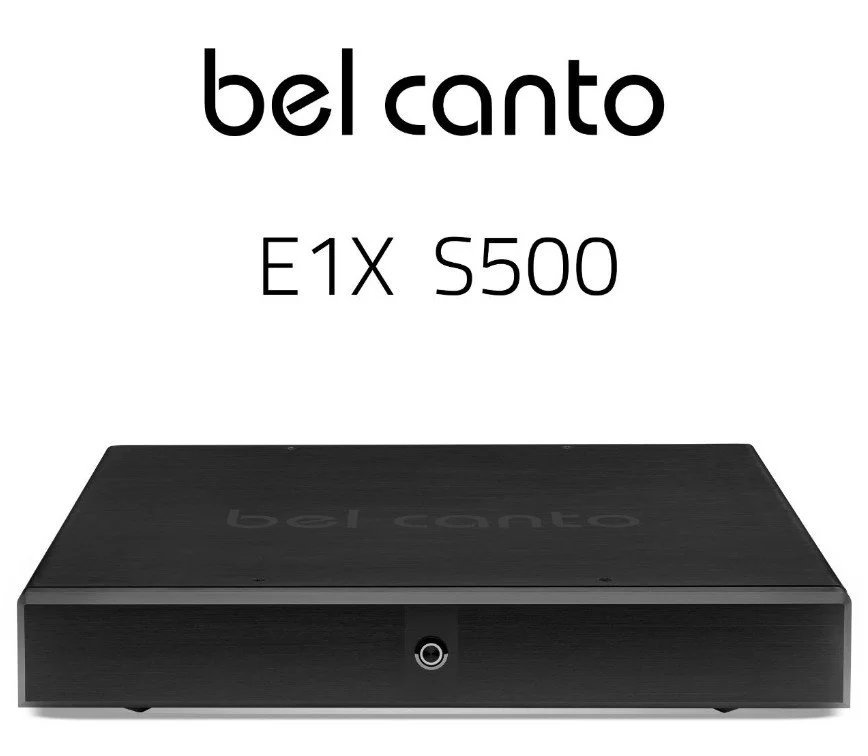
XMOS USB Driver for BLACK, BLACK EX, E1X, and C6i Products
Black ASC2 and ACI600, Black EX, Black E1X, and e.ONE C6i use a newer XMOS USB interface that works natively with updated Windows 10 and Windows 11 operating systems as well as Mac OSX and LINUX operating systems. You can get more information using the XMOS USB Driver information link below:
USB2.0 Driver for ASC1, DAC1.7, DAC2.8, mLink, uLink, and REFLink
e.One Bel Canto products that use the asynchronous USB2.0 interface (ASC1, DAC1.7, DAC2.8, mLink, uLink, and REFLink) require a driver when being used with a Windows-based computer. When you download the driver, you will also receive instructions for installation on Windows XP, 7, 8, and 10. Please note that Windows 11, 10 and Windows 8 use a similar installation process. USB2.0 works natively in Mac OSX and LINUX and therefore does not require a driver.